ExCL October Meeting 2026
October 2026 ExCL meeting slides.
Below is a LLM-generated (and reviewed for correctness) summary from the meeting slides.
🚀 ExCL Monthly Update — October 2026
This month’s meeting covered the now-applied interactive-only Slurm access on faraday, hudson, and maxwell, the rollout details of DOE-mandated multi-factor authentication for off-site SSH and web access, a reminder about the Freshdesk retirement, and the deprecation of the old noback NFS directories.
🔒 Policy Changes — High-Utilization Systems
- ExCL is seeing much higher utilization as the user base grows and more AI-space work is done, leading to resource contention.
faraday,hudson, andmaxwellare now restricted to Slurm access for both interactive and batch use.- This enables finer-grained allocation (e.g., by GPU count) and eases off-hour exclusive allocations when needed.
- The pam_slurm_adopt module limits SSH access to users holding a Slurm allocation on the node, with the SSH session constrained to the allocated resources.
- See the Slurm section of the ExCL User Docs for updated documentation, including example
sruncommands:srun -p nvidia --gres gpu:P100:2 --mem 128G -c 16 --pty bashsrun -p nvidia -w hudson --exclusive --pty bash
- See the Primary Usage Notes for guidance on recommended places to run jobs.
🔐 External Login Changes — Multi-Factor Authentication
- DOE has mandated multi-factor authentication for SSH and web services (e.g., ThinLinc) accessed from outside the ORNL network envelope.
- To set it up:
- Access
login.excl.ornl.govvia SSH using a terminal emulator or a well-behaved SSH client like PuTTY. - Receive a QR prompt — you will only receive this once.
- Configure a Google/Microsoft/FreeOTP authenticator using the QR prompt.
- Use the authenticator-generated, single-use, time-limited key as your password into ExCL.
- Access
- If OTP setup fails on the first try, you will need to request an OTP reset from ITSD.
- Make sure the Solution Center understands this is an Open Research OTP authenticator reset, and include your UID in the request.
login-int.excl.ornl.govallows SSH login without an authenticator OTP but is not accessible from outside ORNL.- If your OTP setup fails, you can still reach the ExCL login node this way from on-site hosts and the GlobalProtect VPN.
- This will be redirected to the usual login node address once some SSHD configuration issues are addressed.
- With the appropriate port forwarding in your
.ssh/config, VS Code and ThinLinc will continue to function as before.- ThinLinc sign-in also now uses OTP.
- SSH keys are still supported (and preferred) for on-site login, but will be disabled for off-site login.
- ITSD documents a similar facility in the ITSD Open Research OTP knowledge base article.
- The text about bastion hosts does not apply — the ExCL login node is our bastion host.
- If you cannot see this article, let ExCL know and the text will be incorporated elsewhere.
🎫 excl-help Changes — Freshdesk Retirement
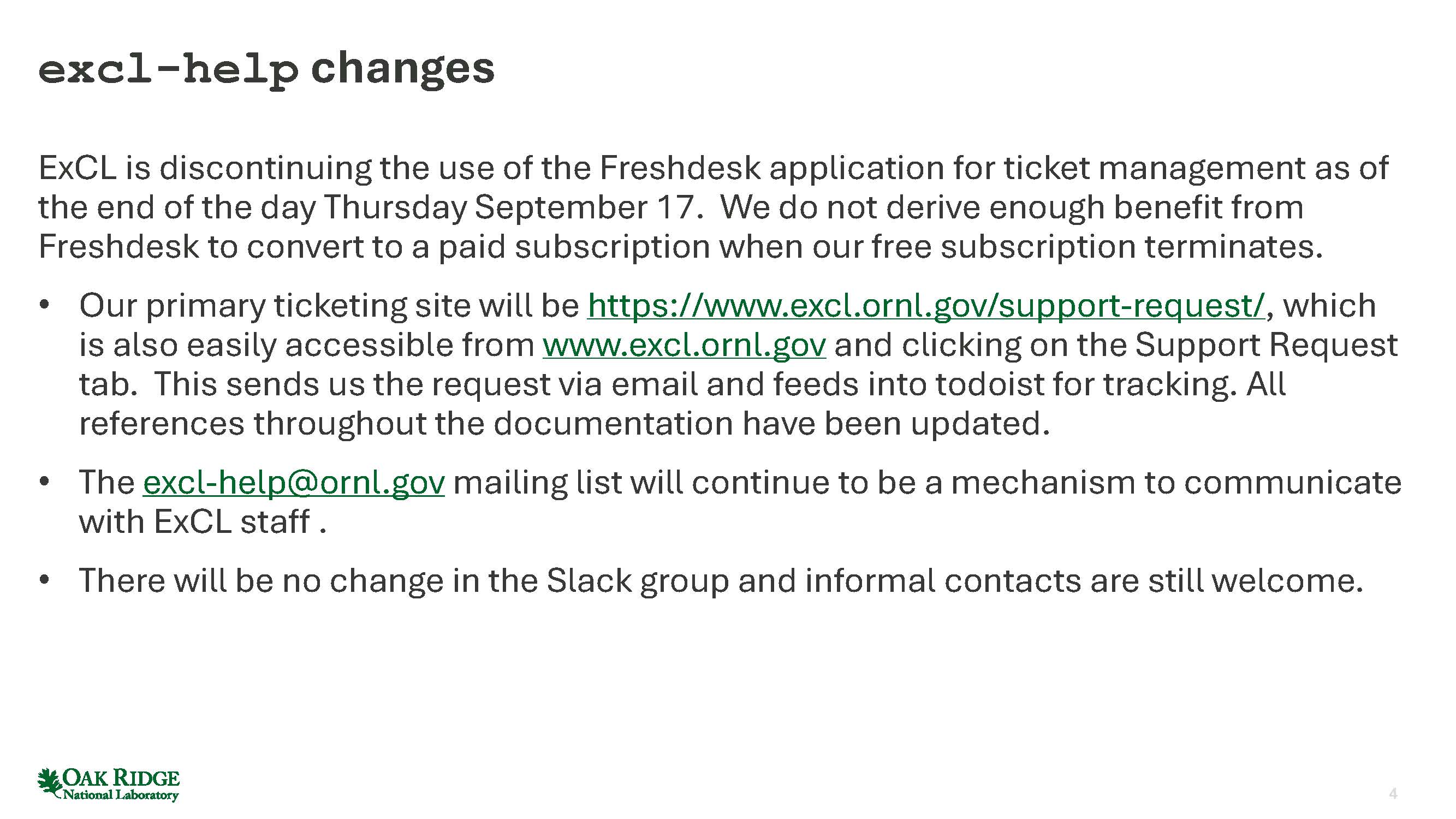
- ExCL has discontinued Freshdesk for ticket management — free subscriptions have been discontinued, and Freshdesk doesn’t provide enough benefit to justify a paid one.
- The primary ticketing channel is now the ExCL Support Request Form, also reachable from www.excl.ornl.gov via the Support Request tab.
- Requests are emailed to ExCL and tracked in Todoist; all documentation references have been updated.
- The excl-help@ornl.gov mailing list remains available to reach ExCL staff.
- No changes to the Slack group — informal contacts are always welcome.
🗄️ noback Deprecated
- If you don’t have a
/noback/<userId>directory on the login server, this does not apply to you. - Several users still have files in the old
nobackNFS hierarchy, which was originally deployed to bypass the then capacity-limited tape backup system. - ORNL has replaced the tape backup system with a much larger-capacity one, and all home directories are now backed up to tape for disaster recovery;
nobackdirectories were never backed up this way (hence the name). - Home directories are also snapshotted hourly (see
~/.zfs/— snapshot times are in UTC) and duplicated to a hot-spare file server. - If you do have a
nobackdirectory, ExCL systems engineering staff will contact you to help move it into your home directory hierarchy.
💬 Questions / Projects / Comments / Discussions
- Accessing cgroup resource limit counters for login limits
- Users can now view their own resource use and limit counters with
login-quota-check.- See Access to ExCL # Login Server Quotas in the ExCL User Docs.
- Users can now view their own resource use and limit counters with
📌 Summary
October’s meeting followed up on September’s access-control changes: interactive-only Slurm access is now in effect on faraday, hudson, and maxwell, and multi-factor authentication for off-site SSH and web access is being rolled out, with guidance on OTP setup, resets via ITSD, the on-site login-int.excl.ornl.gov fallback, and SSH keys remaining the preferred on-site method. It also reiterated the move from Freshdesk to the ExCL support request form and announced the deprecation of the legacy noback NFS directories, with ExCL staff reaching out to affected users to migrate their files.