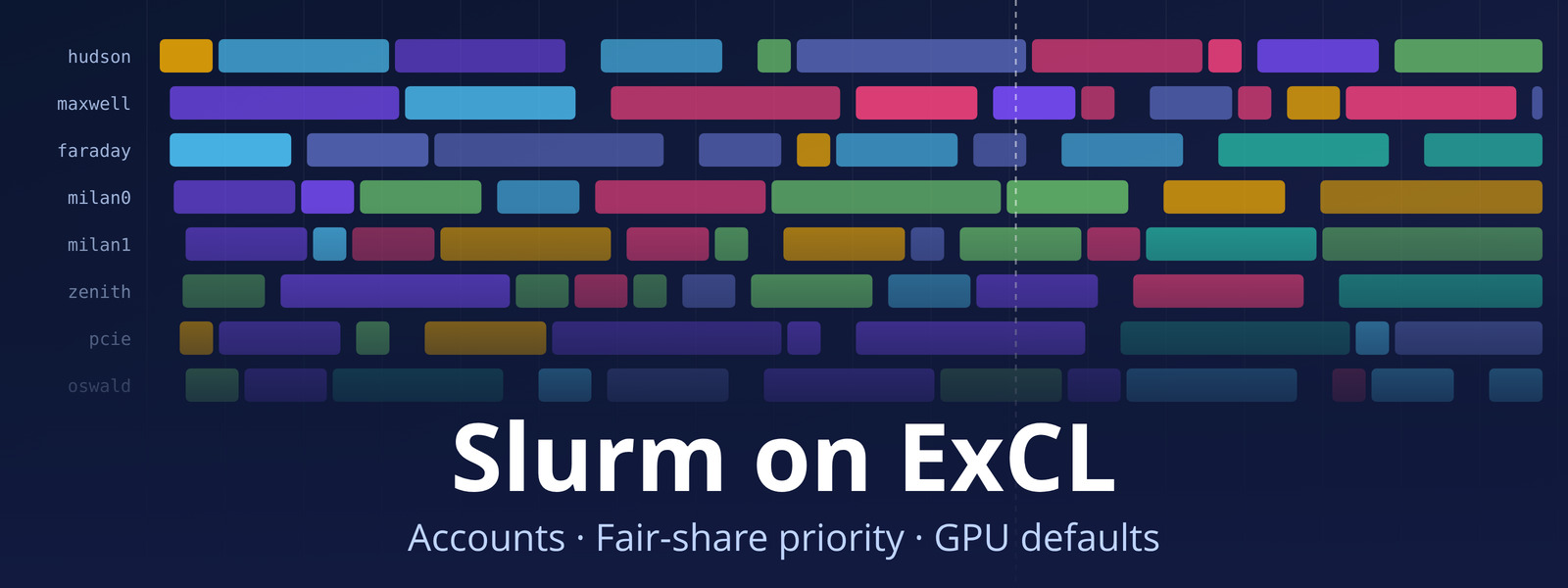
Slurm on ExCL Update: accounts, fair-share priority and GPU defaults
To share the most popular systems more evenly, we’ve updated how Slurm on ExCL schedules jobs. Nothing is capped, and most job scripts keep working as they are. The Slurm quick-start guide has the details.
What changed:
- Accounts are set up for you. Every ExCL user now has a Slurm account. Remove any
-A/--accountfrom your scripts: a job with an account you don’t belong to is rejected. See Accounts are set up for you. - Fair-share priority. When jobs wait for the same resources, users with less recent usage go first. Usage counts half as much after a week. Running jobs are never stopped by fair share. See Fair-share priority and How are back-to-back jobs counted?.
- GPUs count toward usage. Each job is charged for the largest of its CPUs, memory and GPUs. hudson, maxwell and faraday cost 4×, and the
-longpartitions cost half. See How usage is counted. - hudson has left the
nvidiapartitions. Use-p hudsonor-p hudson-long, or-p nvidia,hudsonfor whichever NVIDIA GPU is free first. See Run on a specific GPU interactively. - GPU jobs get CPUs and memory by default. If you request only GPUs, you now get a share of the node’s CPUs and memory per GPU instead of 1 CPU. See Default CPUs and memory for GPU jobs.
- Jobs that can never run are rejected at submit, for example a job over a partition’s time limit, instead of waiting forever.
- Preempted
-longjobs get 5 minutes’ warning. See Handling Preemption Gracefully for how to catch it.
Check where you stand with sshare -U, and see the priority of your waiting jobs with sprio -u $USER.
Questions or problems? Send a Support request.